
Help with your app
Christmas Drop support
A guide to festive merges, gift surprises, and your Snow Globe collection.
Prepared for the current development version.
Getting started
Tap Play. On your first game, read the instructions and tap Start Game. Hold and drag across the board to aim, then lift your finger to drop. Matching pieces touching merge into the next piece.
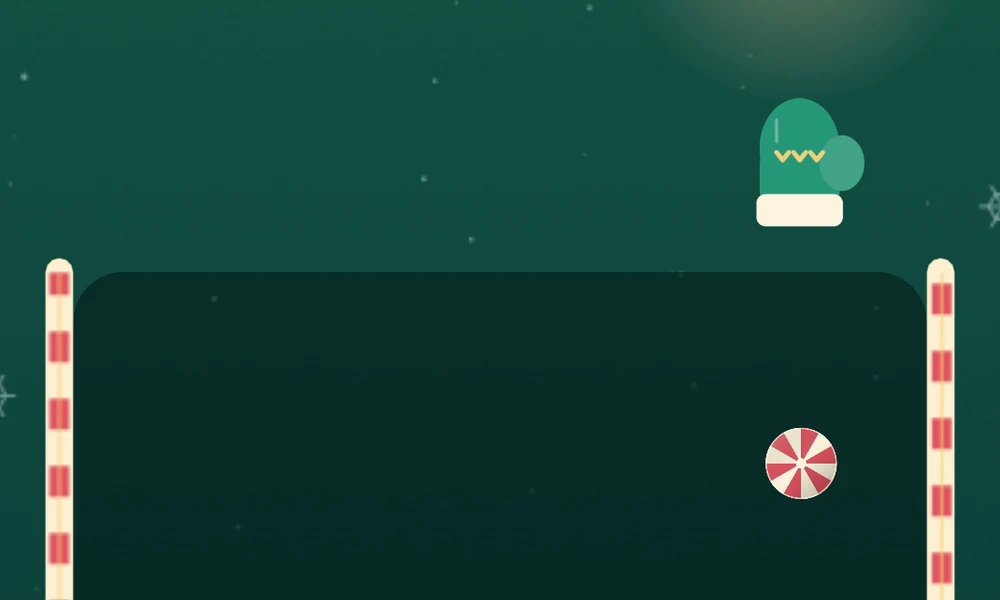
01 Aim your next drop
Hold and drag to aim, then release. Check Next to plan the piece that follows.
Full screenshot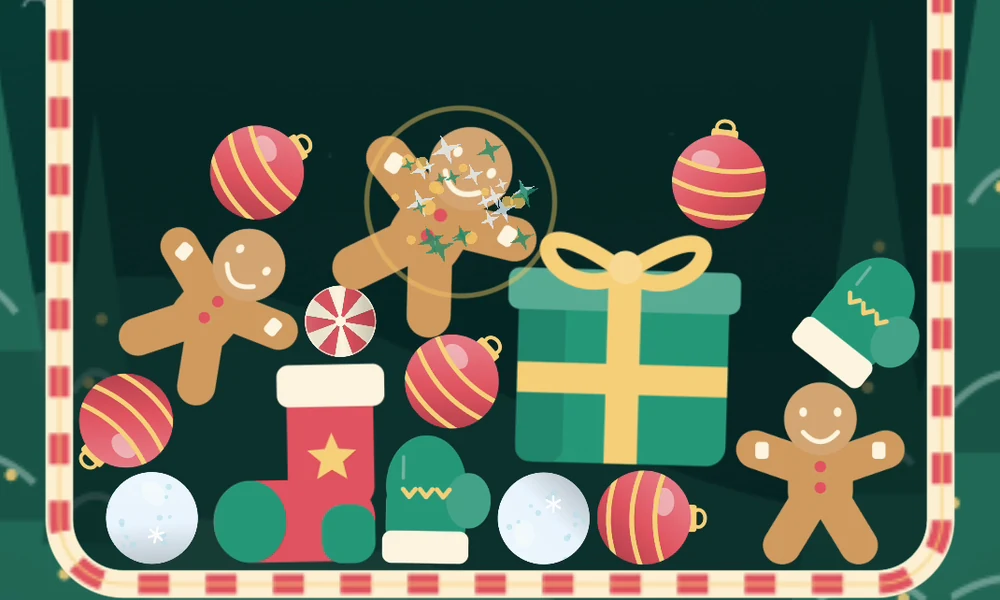
02 Bring a pair together
Two matching pieces touching merge into the next one. Climb from Peppermint to Snow Globe.
Full screenshot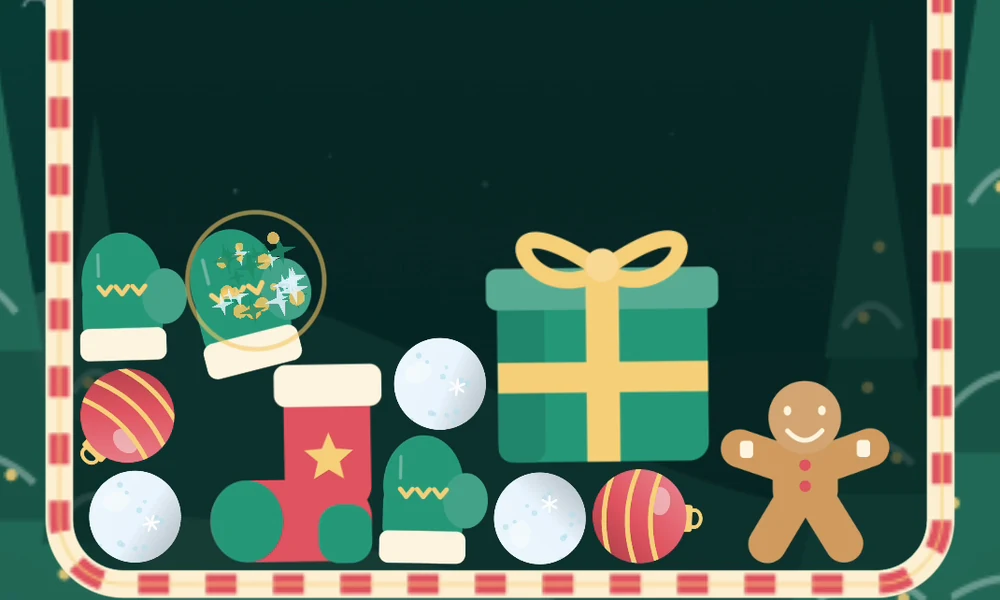
03 Leave room for a surprise
Two Stockings make a Present plus an extra Peppermint, Snowball, or Bauble. A little gift can start another merge.
Full screenshot
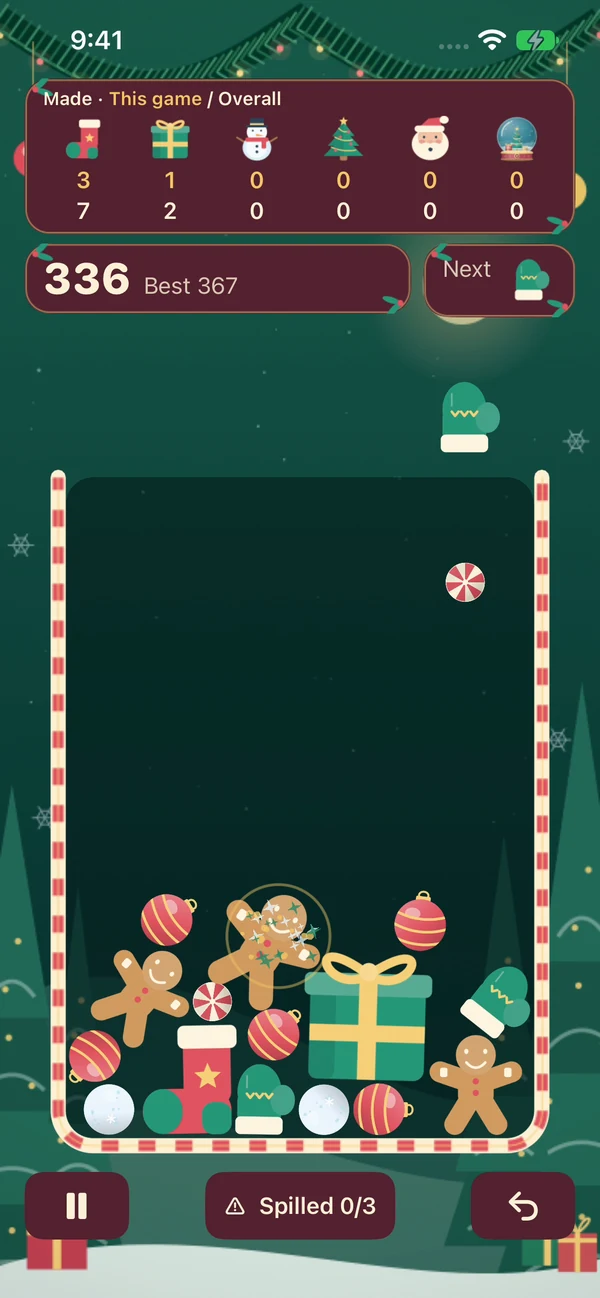
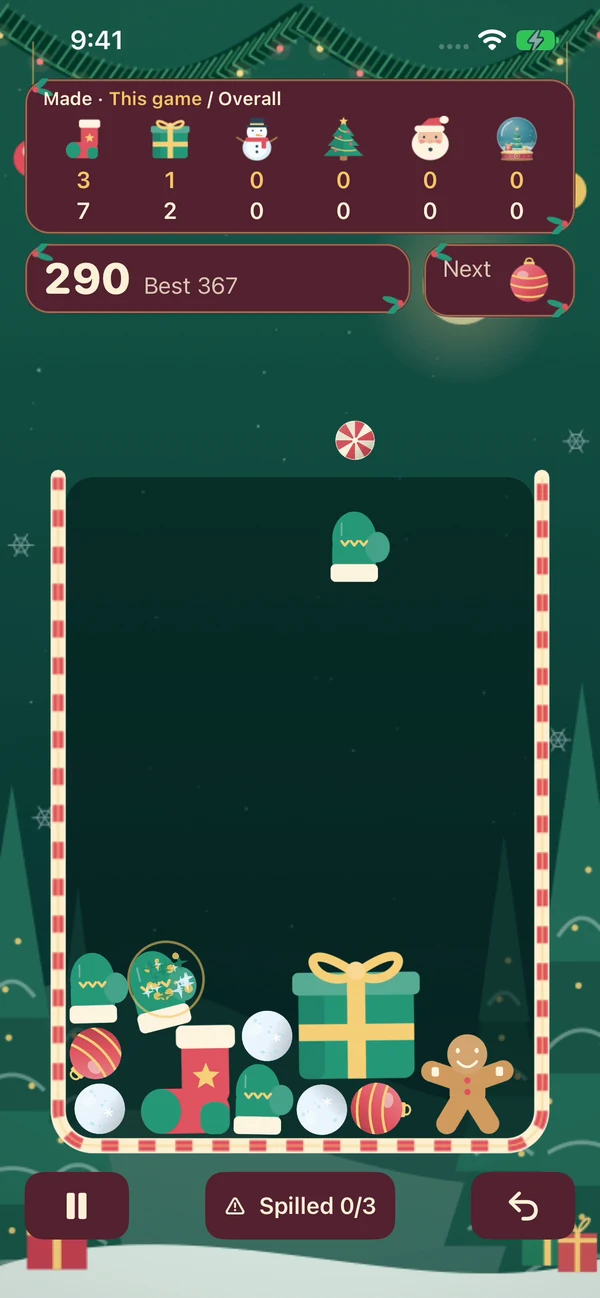
These close-ups show actual development gameplay; the appearance may change before release.
The rim and three spills
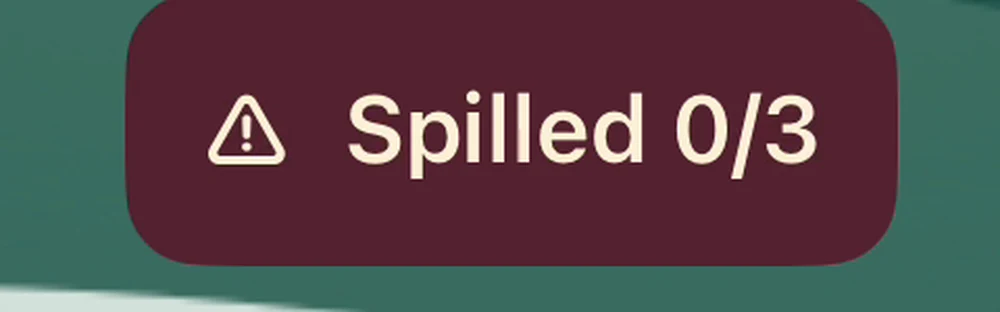
There is no danger line. You can heap pieces above the candy-cane rim, but pieces can roll over either side. The first two spills are allowed; the third ends the run. Each lost piece counts once. Watch the Spilled counter at the bottom.
Presents and surprise pieces
Merge two Stockings to make a Present and one extra Peppermint, Snowball, or Bauble beside it. The Present stays in play and can merge again. Leave some space around it: the extra piece can fill a gap or start a chain.
The surprise itself adds no points. Any merges it triggers earn their normal points. Undo rewinds the whole drop, including its surprise; replaying the same merge gives the same surprise.
The merge order
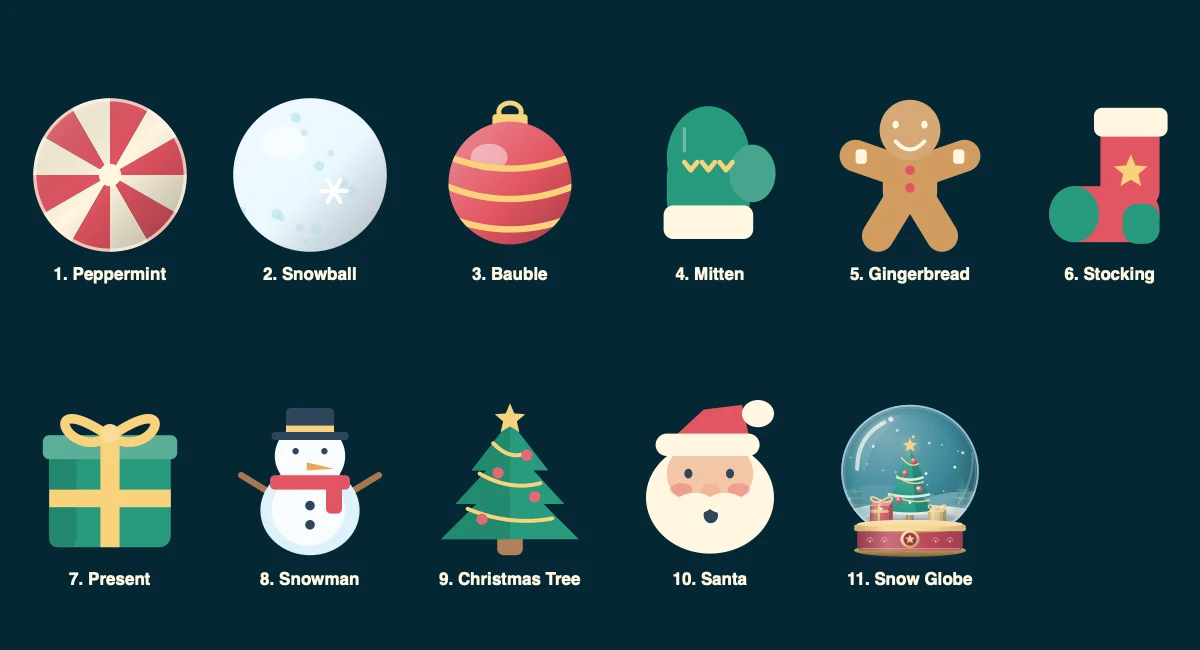
Peppermint → Snowball → Bauble → Mitten → Gingerbread → Stocking → Present → Snowman → Christmas Tree → Santa → Snow Globe.
Earning Snow Globes
Two Santas make a collectible Snow Globe. It is delivered into your counter and leaves the board. The earned design then opens in a larger view with Share globe and Continue playing. Take your time; the board stays paused until you continue.
There are twelve designs. In each game, you receive all twelve before a design repeats. Open Snow Globes from Home, Pause, or Game Over to see your earned designs, collection progress, and how many times you have earned each one. Tap an earned design to inspect it.
Undo rewinds the reward and its counts. Repeating that merge awards the same design. Your collection is stored only on this device.
Understanding Made counters
The Made strip tracks Stockings and higher pieces, with This game and Overall totals. These count pieces created by merging, even if those pieces merge again. Open Items made from Home or Pause for a detailed table. With larger text, swipe the earlier counters horizontally; Snow Globe stays visible.
Sharing a globe, collection, or run
Choose Share globe from an earned globe’s detail, Share collection from Snow Globes, or Share this run from Pause or Game Over. Review the image and caption, then tap Share to open Apple’s share sheet. Nothing is shared automatically.
Your phone offers the destinations available to you. Save Image may ask for permission to add the image to Photos; the game does not read existing photos. Cancelling sharing returns you to the same screen. From Pause, tap Resume to continue; from an earned reward, tap Continue playing.
One Undo per run
Undo rewinds the entire last drop, including movement, merges, score, item counts, gift surprises, spills, and any Snow Globe reward. It can be used once per run.
Pause, sound, and returning to a game
Tap Pause to freeze the board. Leaving the app also pauses play; tap Resume when you return. End Run asks for confirmation before discarding the board. Closing the app completely ends the current run.
Music & sounds switches both the Lantern Waltz music and effects on or off in Settings or Pause. Haptics have a separate switch in Settings. Your choices are remembered on this device.
What is saved
Best scores, overall item counts, earned Snow Globes, sound and haptic preferences, and first-run help preferences stay on your device. The current board stays in memory while the app remains open and is not restored after the process closes completely.
There is no account or cloud sync. Deleting the app and its data removes local progress; offloading may retain it. Device backups are managed through your Apple settings.
Devices and offline play
Christmas Drop is being prepared for portrait play on iPhone with iOS 17 or later. Gameplay works offline and requires no account. Opening web links or emailing support requires a connection.
Contact support
Email [email protected] with the app name, app version, iPhone model, iOS version, and what happened. Steps to reproduce the problem and a screenshot or recording can help. Include only the information needed to explain the issue.